
Free Gemini
Image Watermark Remover & Logo Remover
Remove visible Gemini and Nano Banana watermarks from AI-generated images, photos, and pictures with our free online image watermark remover. Upload your image, automatically detect supported sparkle logos, and download the cleaned PNG directly from your browser.
Processing runs 100% locally on your device with no signup or server uploads required. This utility targets compatible visible image watermarks and does not remove invisible SynthID provenance signals.
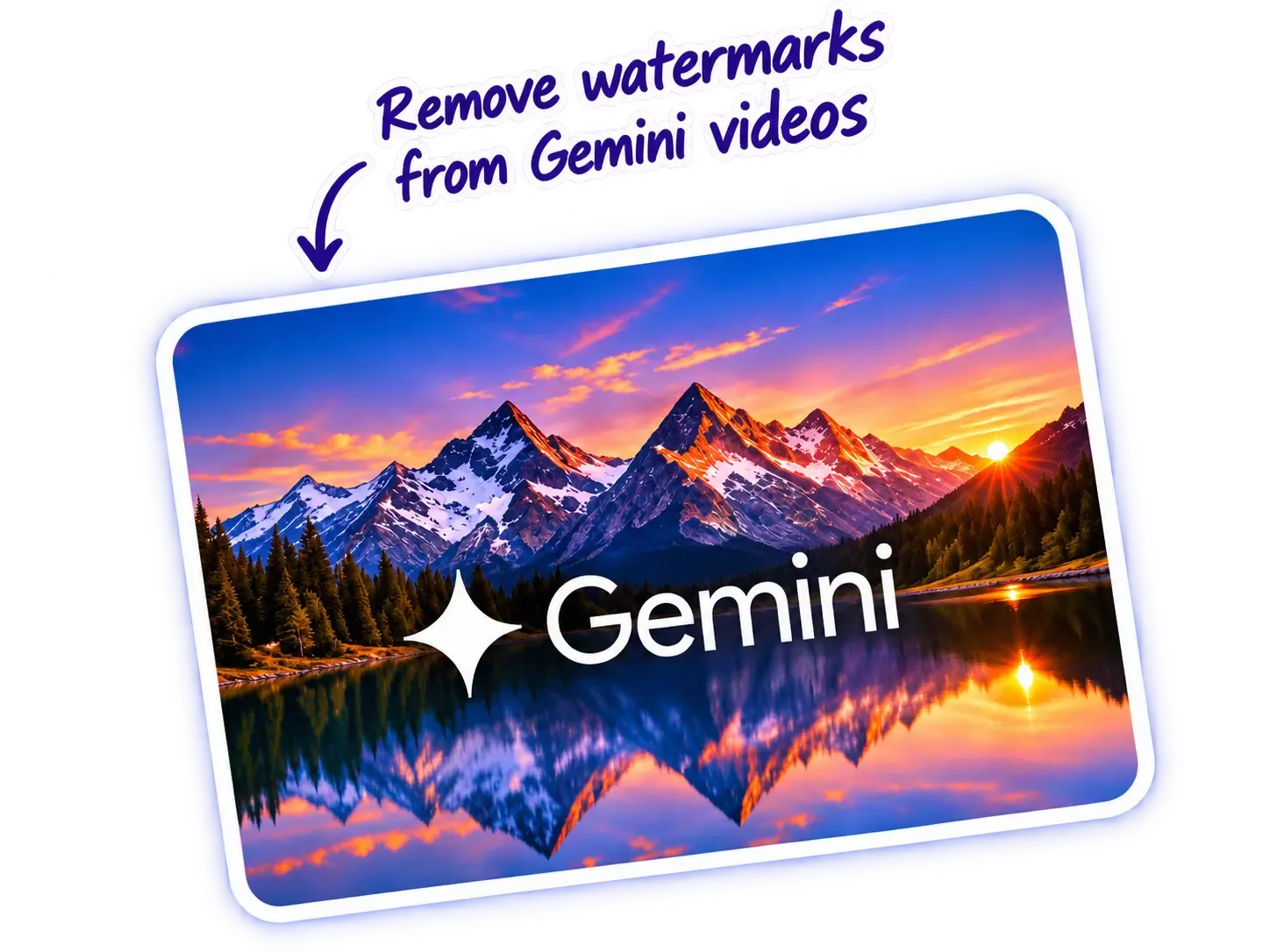
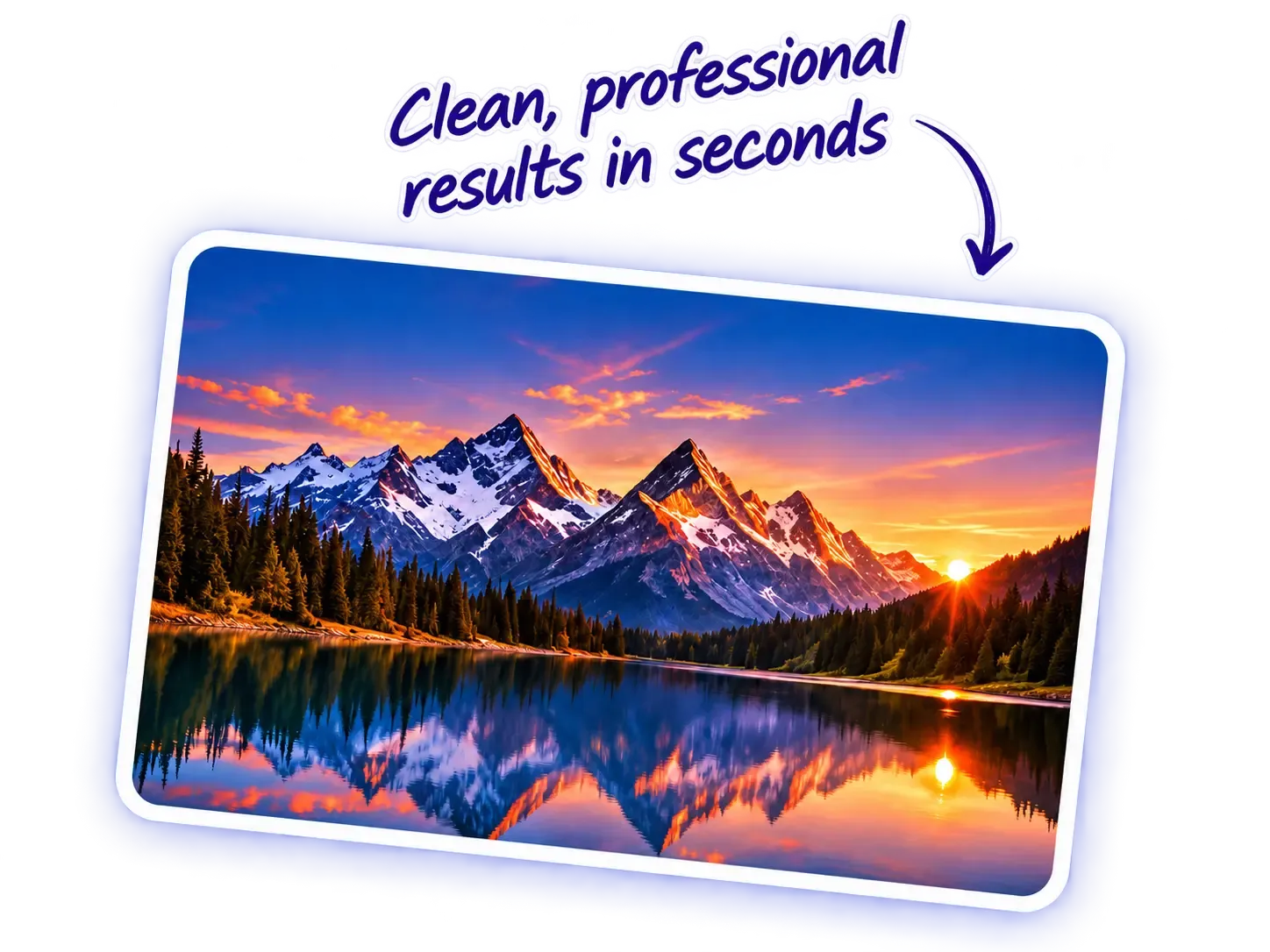
Before and After Gemini Logo Removal
Processing Notice
Selected Image
Analyzing Image Pixels
Matching watermark anchors and calculating reverse alpha blending in worker thread...
Fast Processing
Remove watermarks in seconds with AI technology.
High Quality
Preserve original image quality and resolution.
100% Free
No sign up required, completely free to use.
Multiple Formats
Supports PNG, JPG, WebP, and AVIF.
Works on All Devices
Compatible with desktop, tablet, and mobile.
AI-Powered
Reverse alpha blending for clean restoration without blur.
Remove Gemini Watermarks from Images Online
When creating visual assets with Google Gemini or experimental Nano Banana models, exported files frequently include a semi-transparent four-point (4-point) sparkle watermark emblem positioned in the corner. If you need clean graphics for client presentations, portfolios, marketing mockups, or creative workflows, using a dedicated gemini watermark remover makes it easy to remove gemini watermark overlays without degrading visual fidelity.
SEO Elite provides a free gemini watermark remover online that operates entirely within your web browser. Unlike generic photo object erasers that smear pixels with a blur brush or hallucinate artificial textures with generative fill, our specialized client-side utility uses mathematical reverse alpha blending to reconstruct the true original colors obscured beneath the semi-transparent mark.
As a dedicated image watermark remover, our tool recognizes standard corner placements and dynamic offsets across compatible PNG, JPG, and WebP pictures. Because all computation executes locally on your device via HTML5 Canvas and off-thread Web Workers, your media remains completely private with zero cloud transmission. Need to clean watermark overlays from AI video clips instead? Try our companion Gemini Video Watermark Remover.
How to Remove a Gemini Watermark from an Image
If you are wondering how to remove gemini watermark from image files or photos, the process takes four simple steps directly in your browser:
Step 1 – Upload Your Gemini Image or Photo
Drag and drop your AI image, photo, or picture into the tool dropzone above, or click "Choose Image" to select a file from your computer or mobile phone. We support standard PNG, JPG, WebP, and AVIF formats up to 64 Megapixels.
Step 2 – Detect the Visible Watermark
An off-thread Web Worker scans the image corners against discrete Gemini resolution catalogs (such as 1024×1024 or 2048×2048). For non-standard aspect ratios, adaptive template matching pinpoints the sparkle logo coordinates automatically so you can delete the watermark from the image without manual cropping.
Step 3 – Preview the Processed Image
Inspect the restored pixels using our interactive before-and-after comparison slider. Drag the divider left or right on desktop or mobile touchscreens, or toggle to side-by-side mode to confirm that underlying textures have been restored cleanly without blur.
Step 4 – Download Your Clean PNG
Click "Download Clean Image (PNG)" to save your finished picture. The exported PNG preserves full 1:1 original resolution, transparency channels, and color data without applying lossy compression or branding stamps.
Remove Watermarks from Gemini Photos and Pictures
Users frequently search for different terms—such as remove watermark from photo, remove watermark from picture, or delete watermark from image—to describe the exact same workflow: cleaning AI-generated graphics created by Google Gemini. Whether your output resembles a photorealistic portrait (a photo), an artistic digital concept (a picture), or a general design graphic (an image), the underlying file is a raster pixel grid containing a semi-transparent corner logo.
When Gemini renders photos and pictures, it stamps a 4-point sparkle logo onto the canvas using standard alpha blending. Because our engine understands the geometry and alpha profile of these marks, it functions as a precise watermark deleter for supported Gemini and Nano Banana creations in PNG, JPG, and WebP formats.
Why Original Image Quality Matters: When you want to edit out watermark overlays cleanly, providing an uncompressed or high-bitrate source file makes a major difference. High-quality PNG files preserve subtle sub-pixel alpha gradients, enabling our mathematical inverter to calculate exact original RGB values. In contrast, if a photo has been heavily compressed by messaging apps or social networks, lossy JPEG compression blocks (8×8 DCT quantization) distort the watermark edges, which can leave faint boundary artifacts.
Scope Notice: While users often look for a general watermark remover images tool, this utility is intentionally specialized. It targets supported semi-transparent Gemini and Nano Banana sparkle logos. It will not delete arbitrary commercial copyright stamps, opaque stock agency watermarks, or third-party brand logos.
Free Online AI Image Watermark Remover
Finding a genuine free watermark remover on the web is often frustrating. Many online editing platforms advertise free processing, only to restrict downloads behind mandatory paywalls, require paid subscription credits, demand email registration, or place an even larger watermark over your downloaded file.
SEO Elite's ai watermark remover provides an open, transparent experience for creators:
100% Free With Zero Paywalls
No subscriptions, credit balances, trial limits, or paid upgrades. You can remove watermark from image free as many times as your creative workflow demands.
No Signup or Account Required
Start processing immediately. We never ask for your email address, passwords, or personal details to remove watermark from photo online free.
No Server-Side Image Uploads
Your files are decoded and processed entirely on your device using client-side Web Workers. Your private AI art and confidential concepts never leave your browser.
Lossless Full-Resolution Export
Download clean PNG images that maintain 100% of your source file's original resolution and aspect ratio with zero added compression or downscaling.
Whether you need an ai image watermark remover for one picture or dozens of illustrations, our browser-based utility delivers immediate, high-fidelity results right on your screen.
Nano Banana Watermark and Gemini Logo Remover
In the AI developer community, experimental image generation models from Google AI Studio and Gemini 2.5 / 3.x pipelines are frequently nicknamed Nano Banana. Exports from these models feature characteristic visible 4-point sparkle logos overlaid on the corner of the picture as visual provenance marks.
Creators searching for a gemini logo remover or nano banana watermark remover need to clean this specific semi-transparent overlay from their photographs and illustrations. It is important to clarify that our tool targets compatible visible Gemini and Nano Banana watermark patterns in supported corner positions (such as bottom-right, bottom-left, or top-right with standard 32px, 48px, or 96px margins)—it does not function as an arbitrary object eraser for third-party commercial brand logos or arbitrary text.
Because Nano Banana generations often use shifting margin offsets depending on output resolution and aspect ratio, static fixed-position erasers fail. Our engine combines pre-calibrated resolution catalogs (for standard 1024 × 1024 px or 2048 × 2048 px exports) with adaptive multi-scale template matching to detect the emblem coordinates automatically.
Detection and Quality Safeguards: Watermark recognition works reliably on original, unedited outputs. However, if a picture has been aggressively cropped, resized, or heavily re-compressed with low JPEG quality, the watermark edge gradients can be distorted. If pattern correlation falls below reliable thresholds, the tool will not alter any pixels. Your original image remains completely intact, and an informative notice explains that no supported watermark was detected.
How Does Gemini Watermark Removal Work?
Most conventional online watermark removal tools rely on inpainting, cloning, or blur filters. These techniques attempt to hide watermarks by smudging surrounding pixels or hallucinating fake textures over the area. While this might work for simple solid backgrounds, it invariably destroys intricate details like hair, skin texture, fabric weaves, foliage, and architectural lines.
SEO Elite's image engine takes a fundamentally different mathematical approach: reverse alpha blending without blur. When Gemini overlays a visible watermark onto an image, it uses standard linear alpha compositing:
Because the watermark logo color is known (pure white 255 for standard spark emblems or black for dark polarity variants) and the alpha mask α is pre-calibrated across supported resolutions, our engine inverts the equation mathematically:
By solving this equation pixel-by-pixel, our algorithm recalculates the exact RGB values that existed before the semi-transparent overlay was composited. The surrounding image remains 100% untouched, ensuring sharp details and natural gradients are preserved without blur. A dynamic noise floor threshold suppresses quantization noise, and output values are clamped strictly to [0, 255].
Technical Considerations & Limitations: Mathematical inversion requires semi-transparent pixels where α < 1.0. If an overlay contains completely solid, opaque pixels (α = 1.0), the underlying original pixel data is entirely occluded and cannot be mathematically recovered. Additionally, pre-existing lossy compression (such as JPEG 8×8 DCT block quantization) can cause slight rounding variance near sharp logo boundaries. Exporting results as lossless PNG guarantees that no additional compression artifacts are introduced during download.
Powerful Features for Better Image Processing
Engineered for efficiency, accuracy, and client-side privacy:
Local Browser Processing
All decoding and mathematical restoration execute inside your browser. No files are uploaded to remote servers.
Automatic Watermark Detection
Discrete resolution catalogs and adaptive template search locate the visible watermark without manual box drawing.
PNG, JPEG & WebP Input
Accepts standard image formats produced by AI generation tools, plus AVIF support in compatible modern browsers.
Before/After Comparison
Inspect image details with a responsive touch and keyboard enabled slider, or toggle to side-by-side view.
Download Processed PNG
Export full-resolution lossless PNG files that preserve dimensions and transparency with zero export watermark stamps.
No Signup Required
Instant access with zero registration, no email submissions, and no daily usage counters or waiting lists.
Supported Image Formats and Compatibility
Review verified format, resolution, and platform specifications:
| Format / Feature | Support Level | Technical Considerations |
|---|---|---|
| PNG (.png) | Fully Supported | Recommended input format. Provides cleanest reverse alpha blending with no JPEG compression block artifacts. |
| JPEG / JPG (.jpg, .jpeg) | Fully Supported | Decoded natively. Heavy lossy compression may cause slight halo variance around sharp watermark edges. |
| WebP (.webp) | Fully Supported | Supported across all modern desktop and mobile browsers. Preserves transparency if present. |
| AVIF (.avif) | Browser-Dependent | Supported on modern Chrome, Firefox, Safari, and Edge engines supporting native AVIF decoding. |
| Alpha Transparency | Preserved | The alpha channel in transparent PNG/WebP images remains intact; reverse blending modifies only RGB channels. |
| Max Resolution | Up to 64 MP | Tested up to 4096 × 4096 px (4K). Images exceeding 16,384 px or 64 MP are rejected to prevent device memory exhaustion. |
| Mobile Browsers | Supported | Fully responsive layout on iOS Safari and Android Chrome. Large images may be subject to device RAM limits. |
Visible Gemini Watermark vs Google SynthID
It is important to understand the technical distinction between visible graphic watermarks and digital provenance signatures:
Visible Watermark Emblem
A perceptible, semi-transparent 4-point star graphic placed on the surface of the image. This mark is visually noticeable and can be mathematically inverted via reverse alpha blending.
Invisible Google SynthID
An imperceptible digital watermark embedded directly into pixel frequency distributions during AI generation. SynthID is invisible to the human eye, cannot be removed by visible reverse alpha blending, and is not simple editable EXIF metadata.
Private Gemini Watermark Removal in Your Browser
Many online photo editing tools require users to upload confidential imagery to third-party cloud servers where photos may be retained, logged, or analyzed.
SEO Elite's architecture is fundamentally different. Our image processing pipeline relies entirely on browser-native HTML5 Canvas and off-thread Web Workers:
- Local File Reading: Your selected file is read into browser memory via
createImageBitmapor localImageelements. - Off-Thread Execution: A dedicated Web Worker analyzes the raw pixel array without blocking UI scrolling or animations.
- Zero Cloud Transmission: No pixel buffers, thumbnails, or image metadata leave your device.
- In-Memory Blob Export: Download URLs are generated using temporary
blob:protocols and immediately revoked upon cleanup.
Frequently Asked Questions
Find clear answers to common questions regarding Gemini and Nano Banana image watermark removal:
What is a Gemini watermark remover?
A Gemini watermark remover is a specialized browser tool engineered to detect and remove the semi-transparent 4-point sparkle watermark or corner logo added to images generated by Google Gemini and Nano Banana models. SEO Elite's tool uses reverse alpha blending to reconstruct underlying pixels without blurring surrounding textures.
How do I remove a Gemini watermark from an image?
To remove a Gemini watermark from an image, simply drag and drop your PNG, JPG, or WebP picture into the upload area above. The tool automatically detects the watermark location and dimensions, applies mathematical reverse alpha blending, and provides an instant preview with a lossless PNG download button.
How can I remove a watermark from a Gemini photo online?
You can remove a watermark from a Gemini photo online by uploading your photo directly to our web tool. Our browser-based engine detects supported sparkle logos across standard resolutions, restores obscured pixels locally in your browser memory, and lets you save the clean photo as a full-resolution PNG without needing software installation.
Can I remove a watermark from a Gemini picture for free?
Yes. You can remove a watermark from a Gemini picture completely free of charge. SEO Elite provides unlimited browser processing with zero subscriptions, no credits, no email registration, and no added export watermarks.
Is this an AI image watermark remover?
Yes. This tool is a dedicated AI image watermark remover designed specifically to clean visible watermark overlays from pictures created with AI generation pipelines like Google Gemini, Google AI Studio, and Nano Banana models. Unlike broad object erasers, it leverages mathematical alpha inversion rather than generative hallucination.
Can I delete a visible watermark from a Gemini image or photo?
Yes. You can delete supported visible Gemini watermark logos from your images and photos. The automated detection system identifies standard corner sparkle logos (such as bottom-right, bottom-left, or top-right positions) and reverses the alpha composite to clean the image.
Can I remove Gemini watermarks without blurring the image?
Yes. Unlike generic photo object erasers that smear, smudge, or blur surrounding pixels, this tool solves the reverse alpha blending equation mathematically. By calculating the exact ratio of the semi-transparent overlay to the original pixel values, it restores underlying colors and textures cleanly without blur.
Does the watermark remover work with JPG, PNG, and WebP photos?
Yes. The tool natively supports PNG, JPG/JPEG, and WebP picture formats, as well as AVIF in compatible modern browsers. For optimal restoration quality, uncompressed PNG files provide the cleanest pixel reconstruction because they lack lossy JPEG compression artifacts.
Can I use this as a Gemini logo remover?
Yes. The corner watermark on Gemini and Nano Banana images is commonly referred to as a Gemini logo. Our utility is specifically calibrated to recognize and remove these semi-transparent 4-point spark logo patterns in supported corner positions rather than unrelated commercial brand marks.
Does it work with supported Nano Banana images?
Yes. Images generated by experimental Google models (often called Nano Banana or Gemini 2.5 / 3.x) featuring the standard semi-transparent 4-point spark mark in recognized corners and offsets are supported by our catalog anchors and adaptive detector.
Does this free image watermark remover work on mobile phones?
Yes. The tool is fully responsive and functions smoothly on mobile browsers including iOS Safari and Android Chrome. Because all processing executes in device memory, very large files (e.g. over 30 Megapixels) may be limited by individual mobile hardware constraints.
Why was no watermark detected in my image?
If the tool reports that no watermark was detected, the image may have been cropped, scaled to an unsupported dimension, heavily compressed with lossy artifacts that deformed the logo's gradients, or generated without a standard Gemini visible mark. In such cases, the tool protects your file by leaving every pixel completely untouched.
Can this tool remove any watermark from any picture?
No. This tool is intentionally specialized for supported semi-transparent visible watermarks produced by Google Gemini and Nano Banana models. It cannot remove arbitrary commercial copyright logos, opaque text stamps, Shutterstock/Getty stock watermarks, or complex solid overlays.
Does removing a visible Gemini logo also remove SynthID?
No. This utility targets visible graphic watermarks and logos. Google SynthID is an imperceptible digital provenance signature embedded into pixel frequency distributions during generation and cannot be removed by visible reverse alpha blending.
Does this tool upload my images or photos to a server?
No. Your image files are decoded, analyzed, and processed 100% locally on your computer or phone using HTML5 Canvas and off-thread Web Workers. Zero image data, metadata, or pixel buffers are transmitted to remote servers or third-party APIs.
Will it preserve original image dimensions and quality?
Yes. The tool maintains exact 1:1 pixel dimensions (such as 1024 × 1024 px or 2048 × 2048 px) and exports clean, lossless PNG files with original alpha transparency preserved.
Related Gemini Image and Video Tools
Need to remove watermarks from video files or build structured AI discovery files? Try our companion utilities or explore the full SEO tools directory:
Gemini Video Watermark Remover
Remove supported visible Gemini, Google Flow, and Veo watermarks from MP4 videos directly in your browser with full audio preservation.
LLMs.txt Generator
Create clean, structured llms.txt Markdown files to optimize your website for AI search engines and LLM crawlers.
Transparency & Legal Notice: The Gemini Image Watermark Remover is an independent utility created by SEO Elite for creative, educational, and authorized media editing purposes. This utility is not affiliated with, sponsored by, or endorsed by Google LLC. References to Google, Gemini, and Nano Banana are descriptive terms used solely to identify watermark patterns and technical compatibility.
Users are solely responsible for ensuring they possess lawful authorization or intellectual property ownership to remove watermarks from uploaded media. The tool targets only supported visible watermark patterns and does not claim to remove Google's invisible SynthID provenance watermarking.